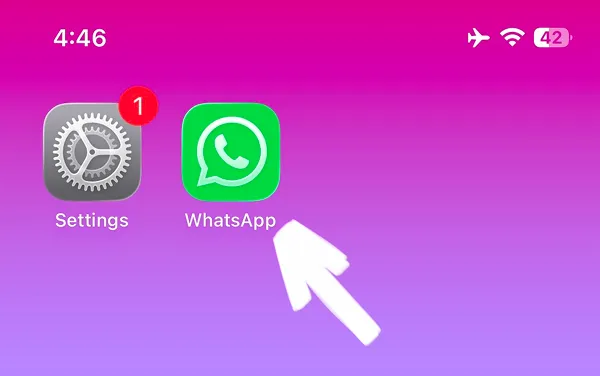


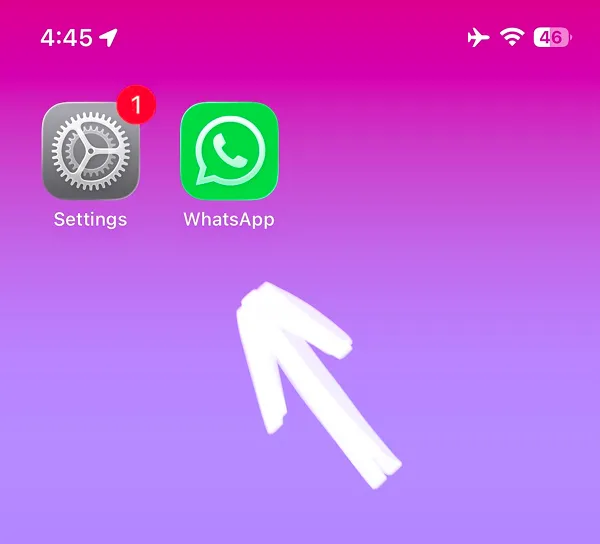
Decided to save time and want to know how to block WhatsApp on iPhone? Our quick step-by-step guide with video and images will help you. You can block WhatsApp in minutes with built-in iOS Screen Time feature and regain your focus.
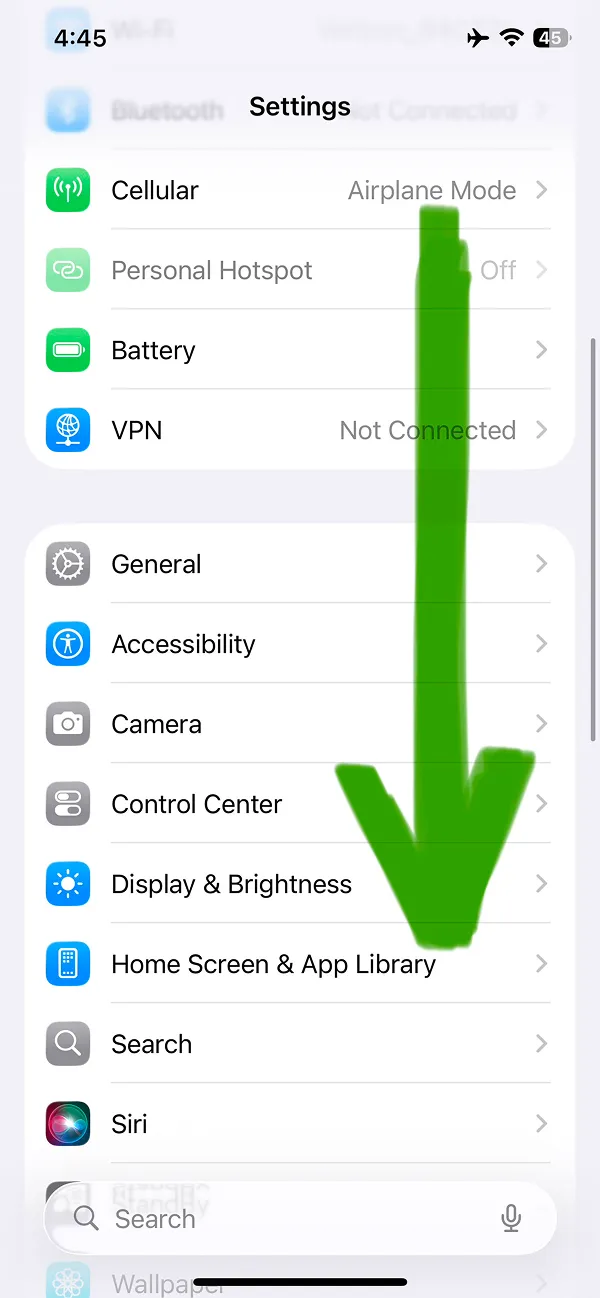
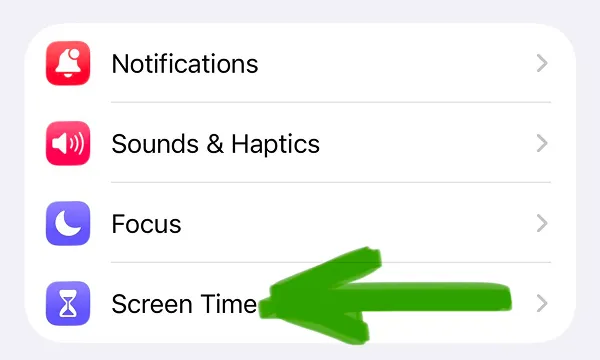
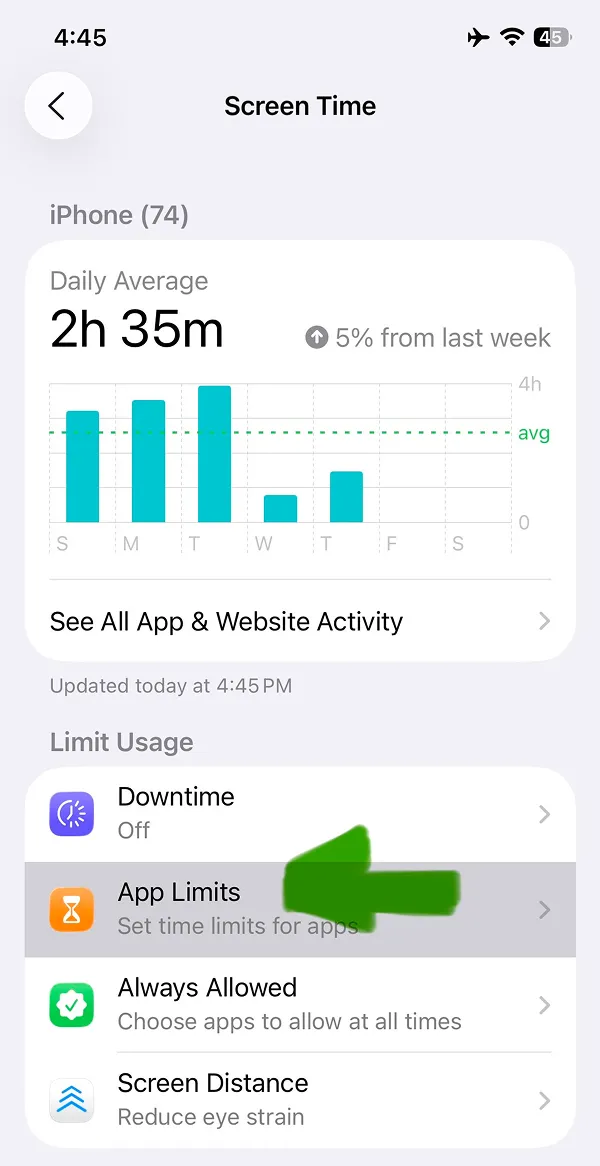
In settings scroll the page and find the Screen Time built-in feature. It is shown by the arrow on the second image.
You can learn the same steps to block WhatsApp with our video guide. Or keep reading the text guide; information is the same, it is your choice.
The App Limits will open the iOS screen where you will be able to find and block the WhatsApp.
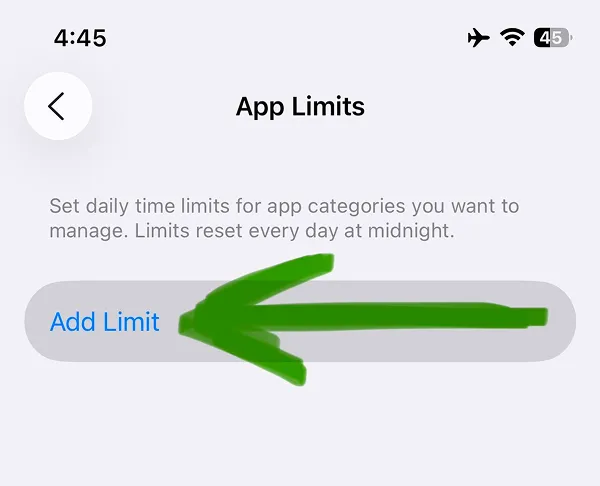
At the App Limits Screen, tap the Add Limit blue button where the image shows.
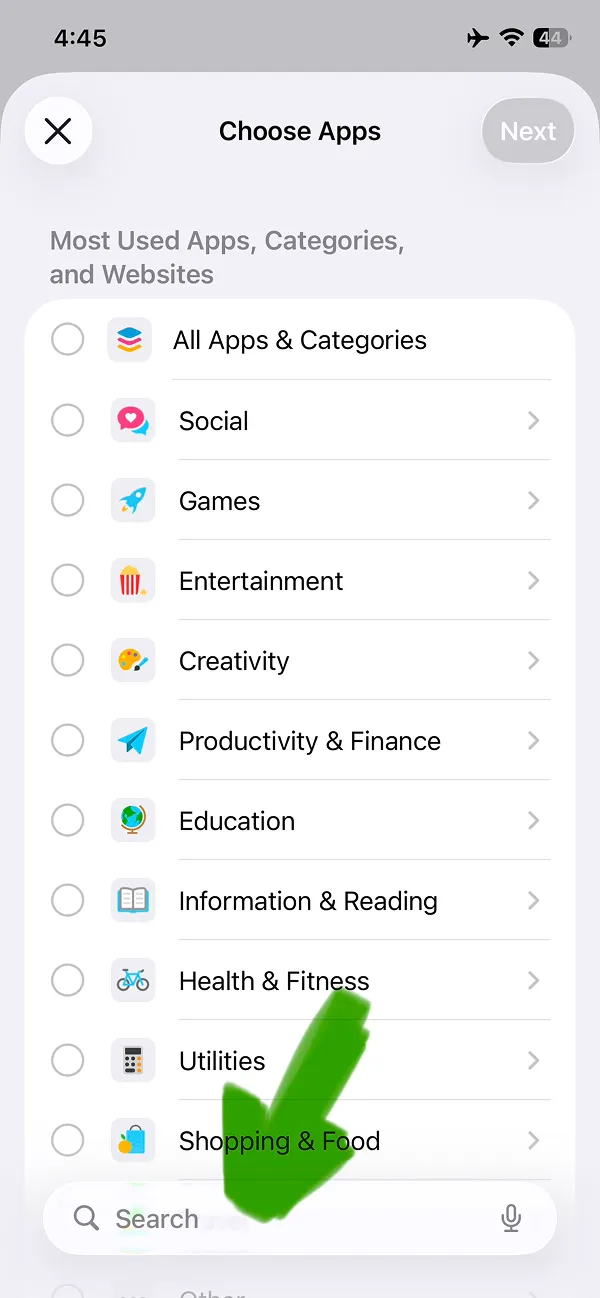
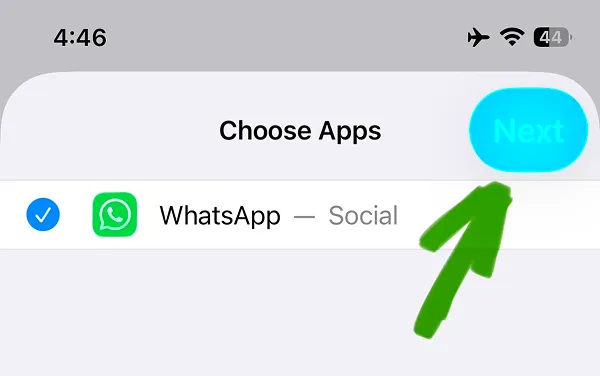
In the Choose Apps screen, you will see all installed apps on your iPhone. Tap the search field at the bottom of the screen and type WhatsApp for the quick search.
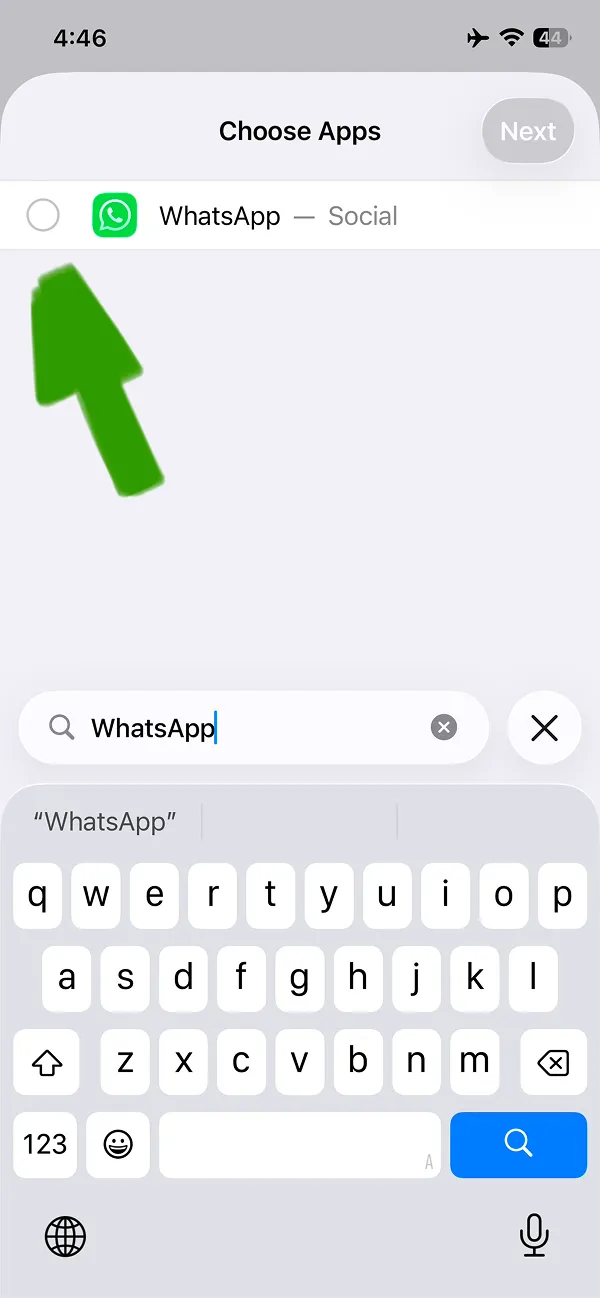
To block WhatsApp on iPhone you need to tap the circle on the left from the WhatsApp icon.
To apply changes, tap the Next blue button on the top right of your screen.
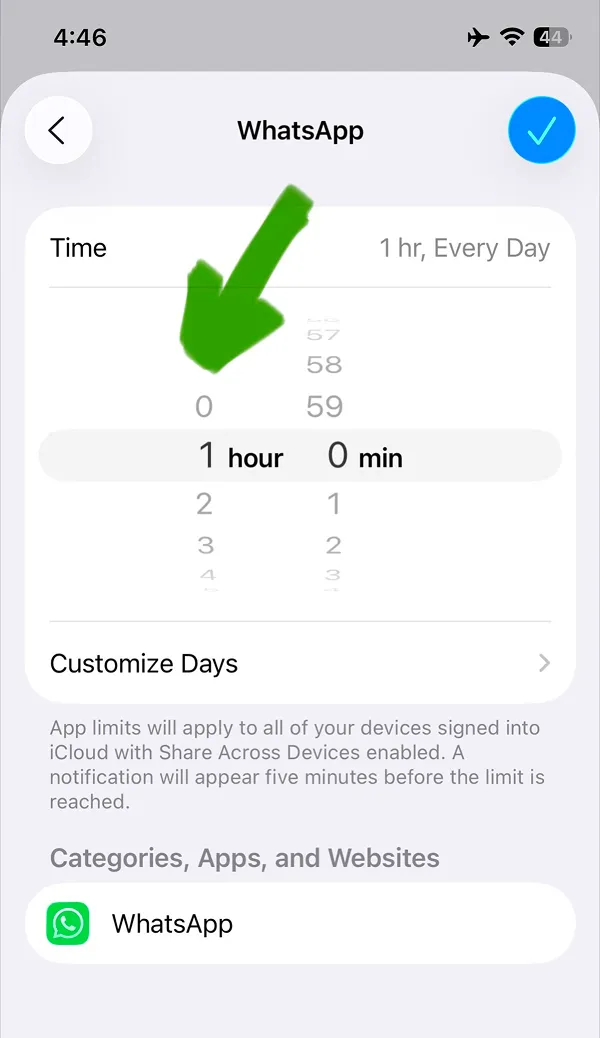
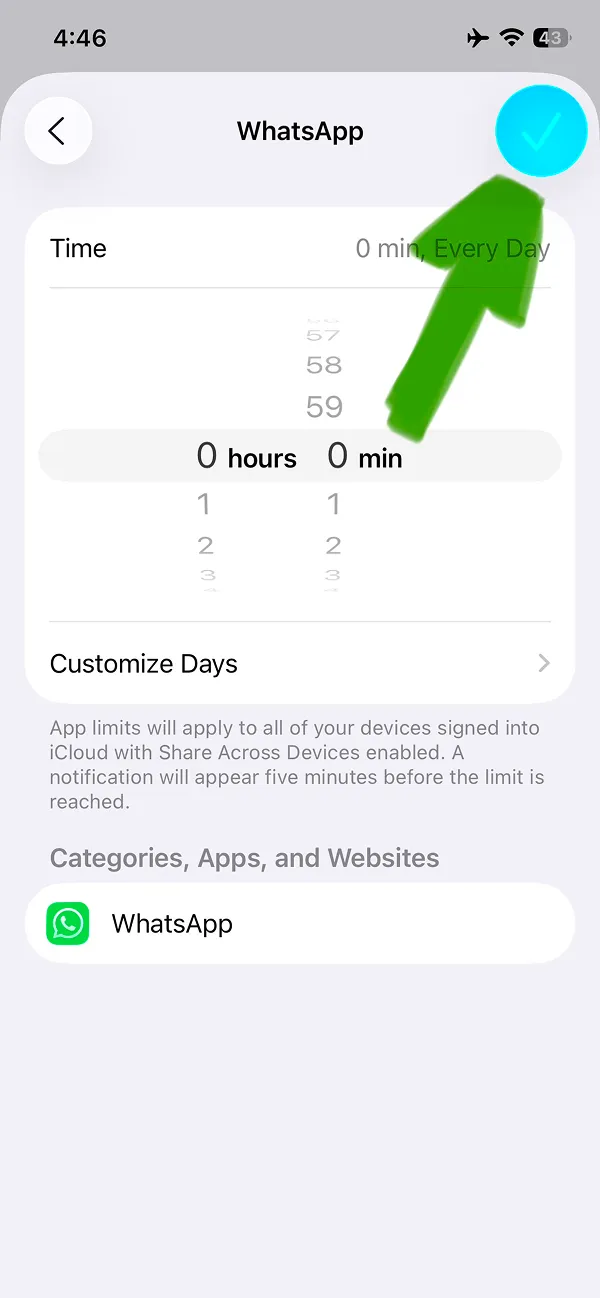
To block WhatsApp completely you need to set 0 hours and 0 minutes. Alternative option is to block WhatsApp after some time, just choose the best option for you.
Then to apply chosen time tap the blue button with the checkbox icon.
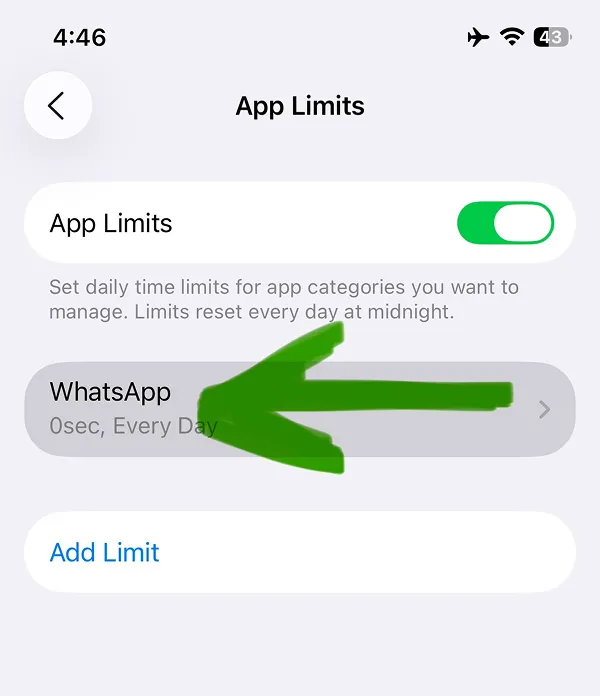
This is perfect! After completing all steps you now know how to block WhatsApp on iPhone and regain your focus. This feature works for any app; read our other text and video guides to know how to block any social media app, how to block Facebook, Instagram app, TikTok, X or any other app.
There is a catch: iPhone makes it too easy to unblock WhatsApp to keep you using your phone. As a solution you can download the free-to-use ScreenFox app designed to stop you from opening the WhatsApp app.
When limits are active the WhatsApp icon will be blocked. You will not be able to open the app.
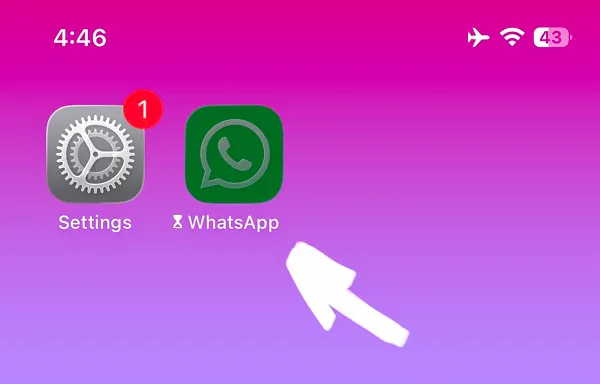
This is the main issue for you. Time limit screen has two buttons, one is OK to close it but the other is Ignore Limit.
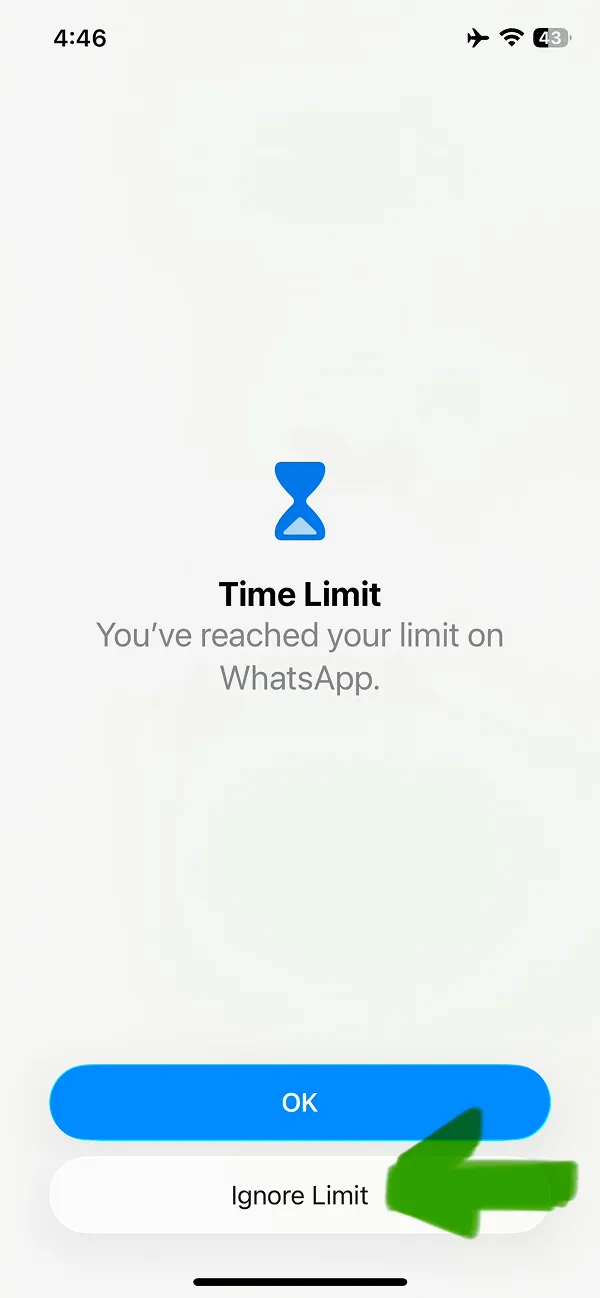
This button is the main reason you can skip this blocking in seconds. Just choose any option and WhatsApp is unblocked again.
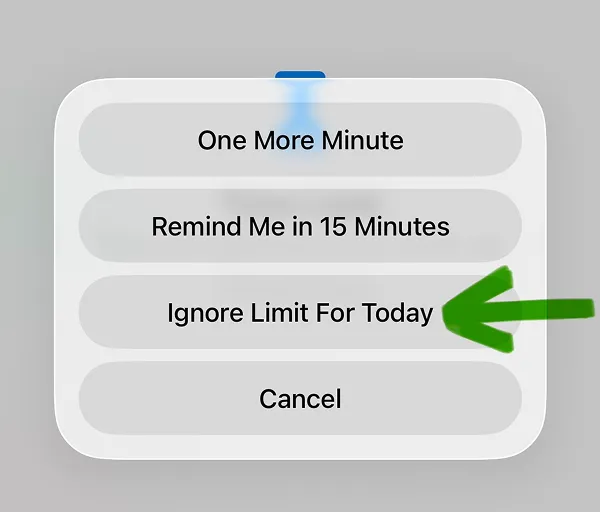
That's too easy. Just in three taps WhatsApp is unblocked again. Try to download ScreenFox app that will help you to break the habit of opening WhatsApp and will help you to focus.