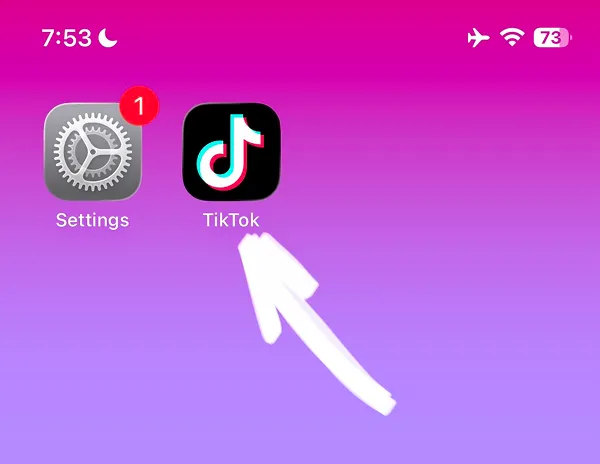

Looking for a guide how to block TikTok on iPhone? Our step-by-step guide will help you block TikTok and reduce your screen time using Apple's built-in app blocking feature. This free method to block apps on iPhone is built directly into iOS Settings without requiring any third-party software.
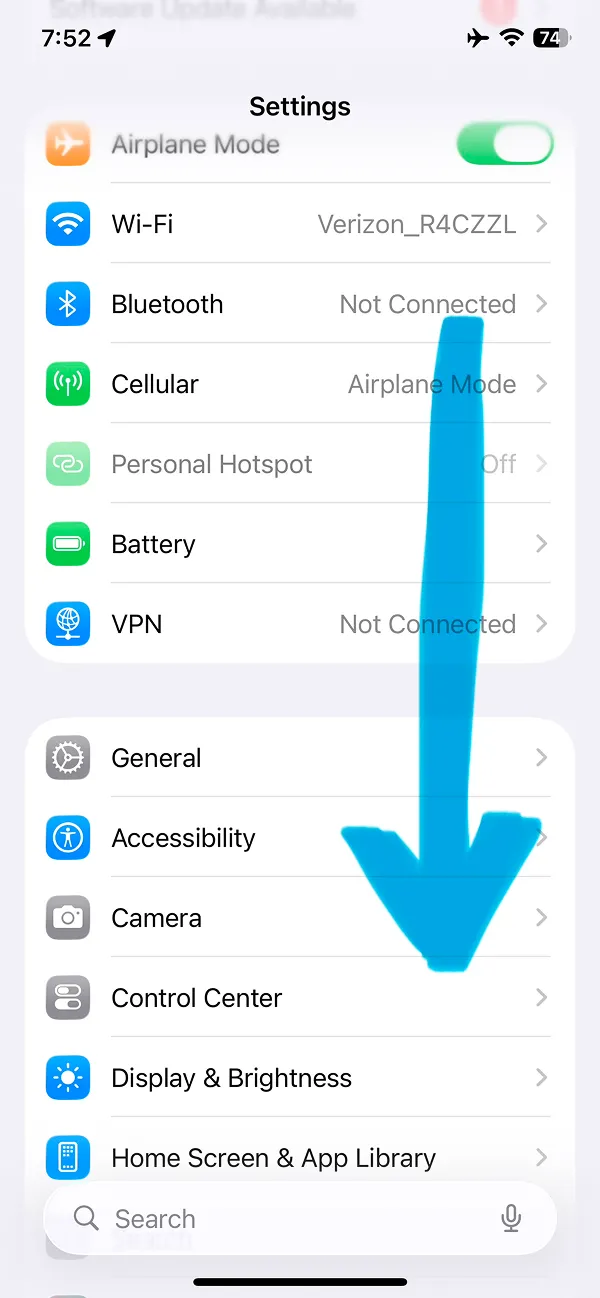
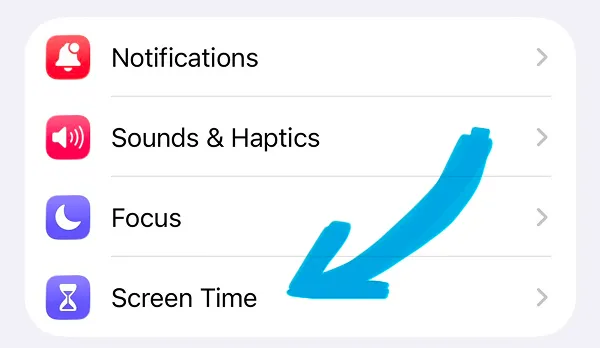
Scroll the page and find the settings block with the Screen Time option. Where arrows show.
No problem. Check out our quick video tutorial below—it walks you through every single step so you can block X right now, while watching."
This is iOS built-in feature that can help you to block TikTok for free with iPhone.
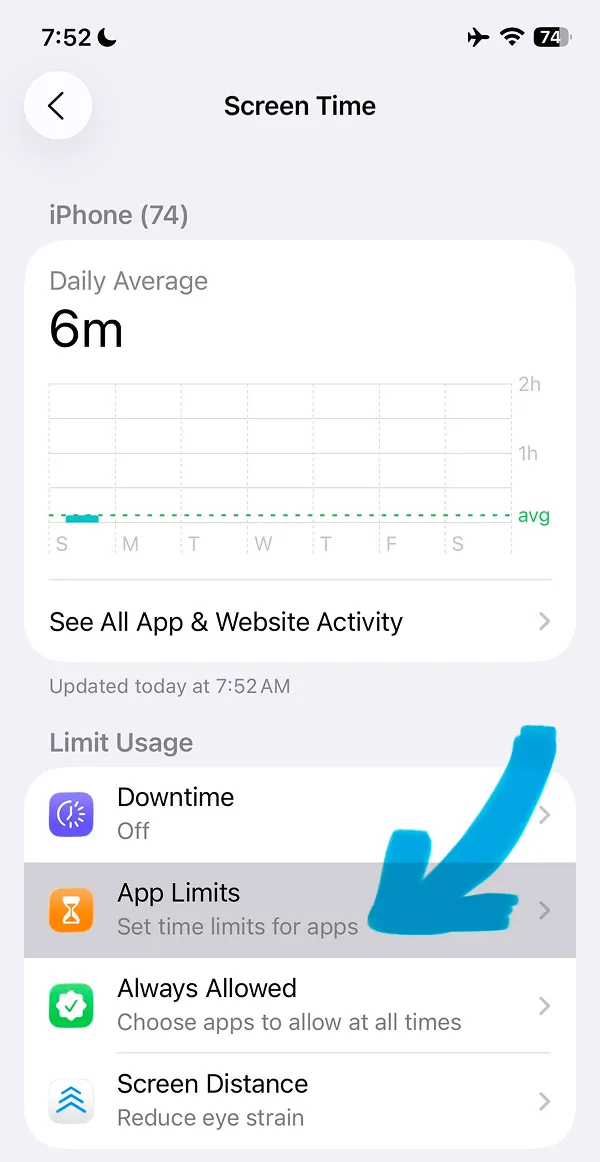
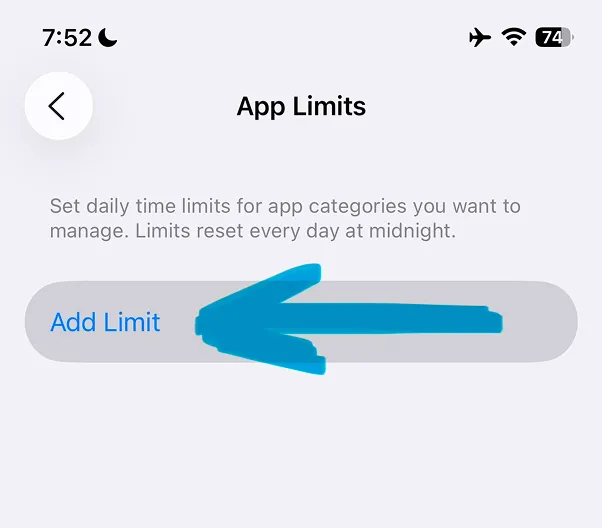
This option will help you to choose what apps to block. You can read this article to know how to block Instagram app or Facebook app or how to block any Social Media app on iPhone to focus.
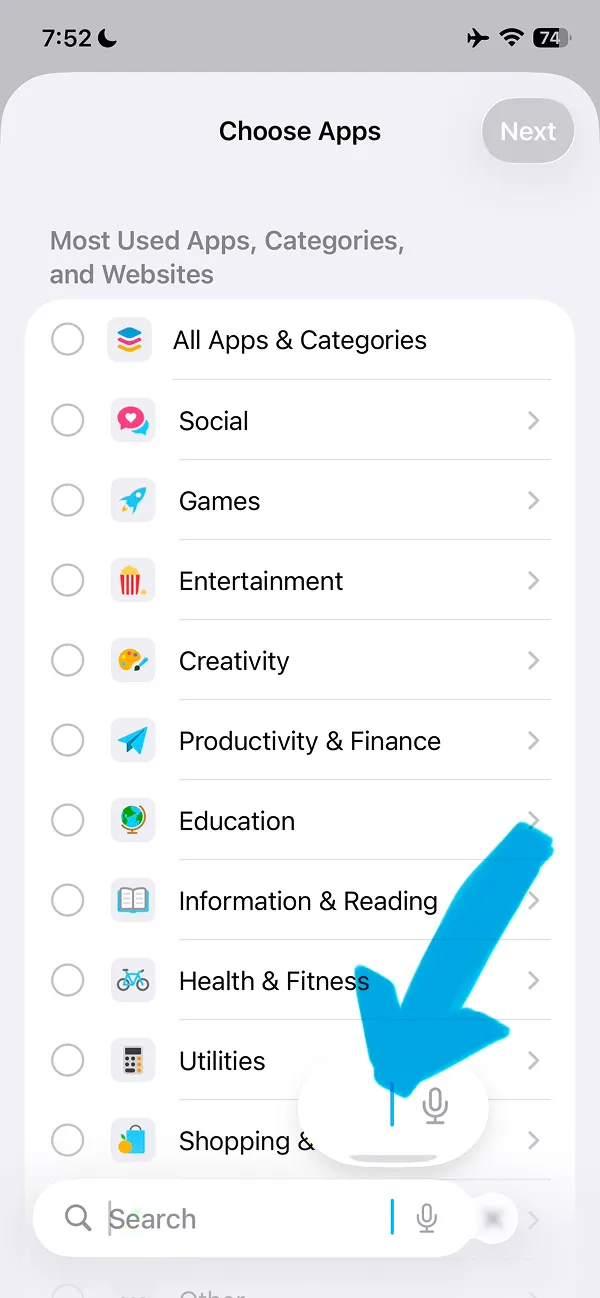
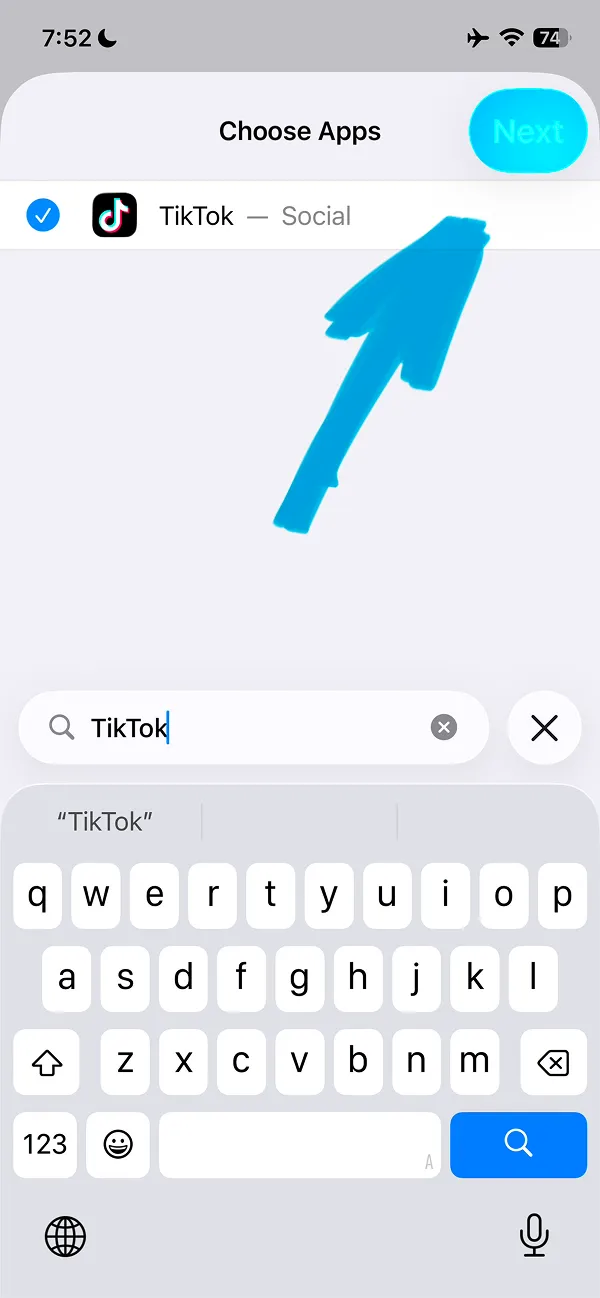
In the Search field type the TikTok name to find the app.
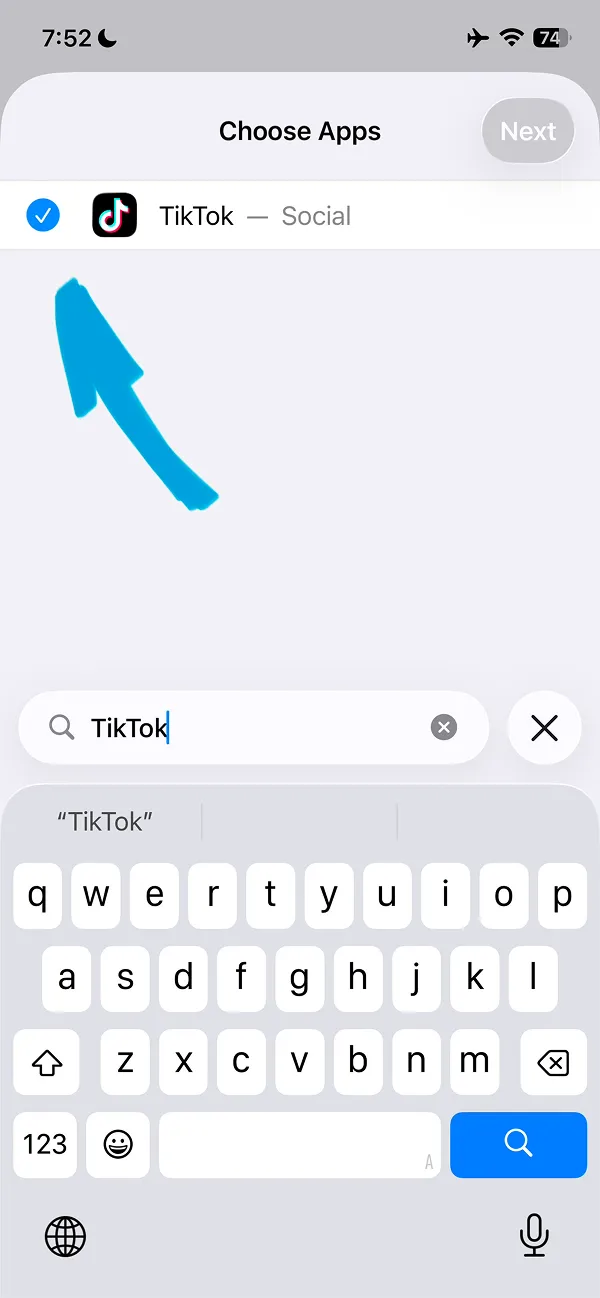
Then tap the checkbox on the left side of TikTok app to confirm your selection.
Important tip: iPhone Screen Time feature makes it very easy to stop TikTok blocking. You can install the ScreenFox app to improve app blocking and focus better. Tap the button to try for free.
To save TikTok settings tap the Next button where the arrow shows on the screen.
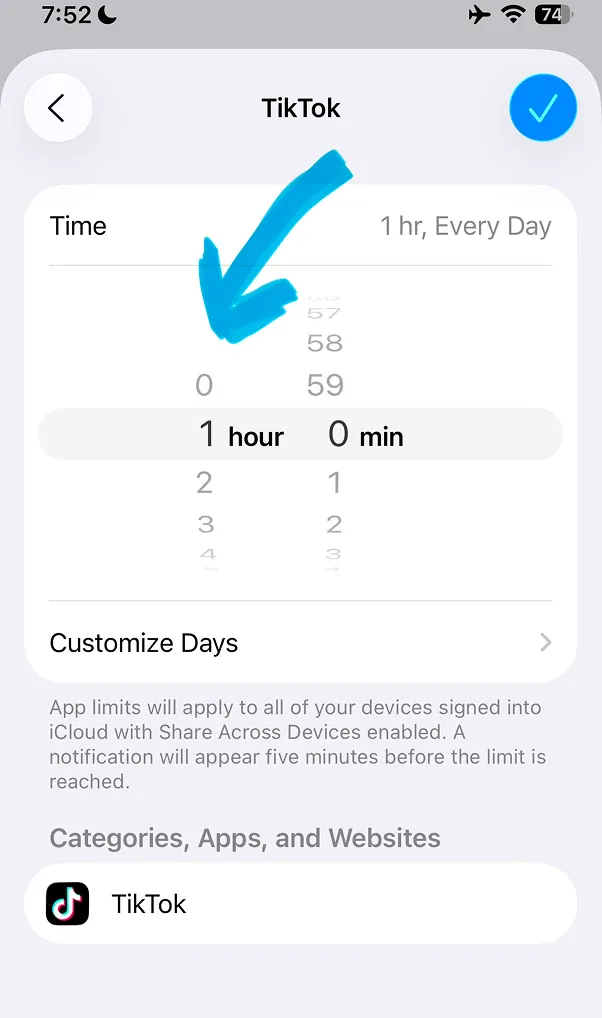
To apply the changes just change time to 0 hours and 0 minutes. If you like, you can also set different times for different days, just tap the "Customize days" button to change the limits for other days.
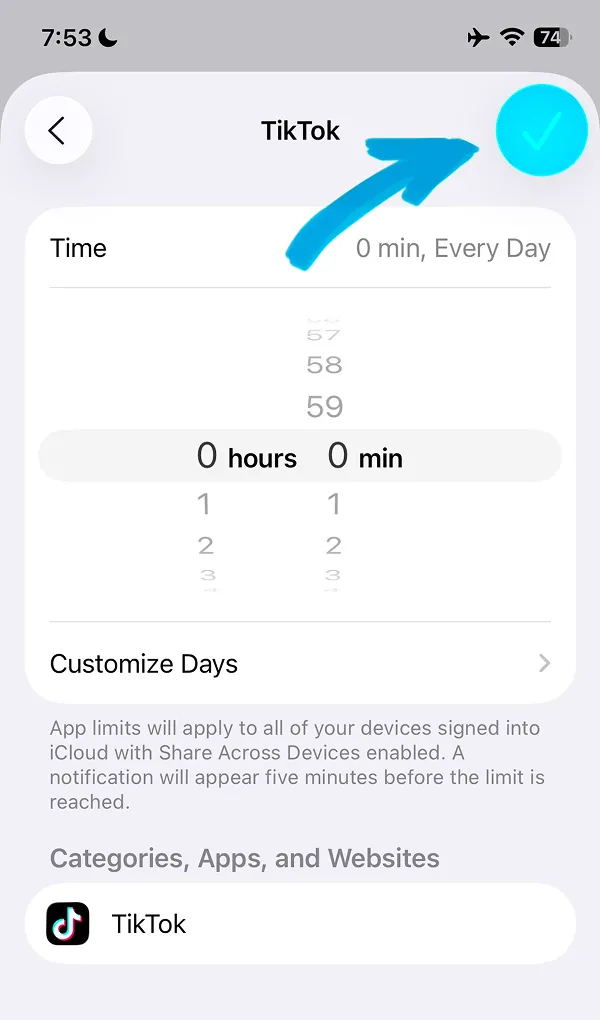
Next tap the blue circle button with checkbox to confirm the changes.
That's it, Now you know how to block TikTok on iPhone! Keep reading our guide to know how blocking works.
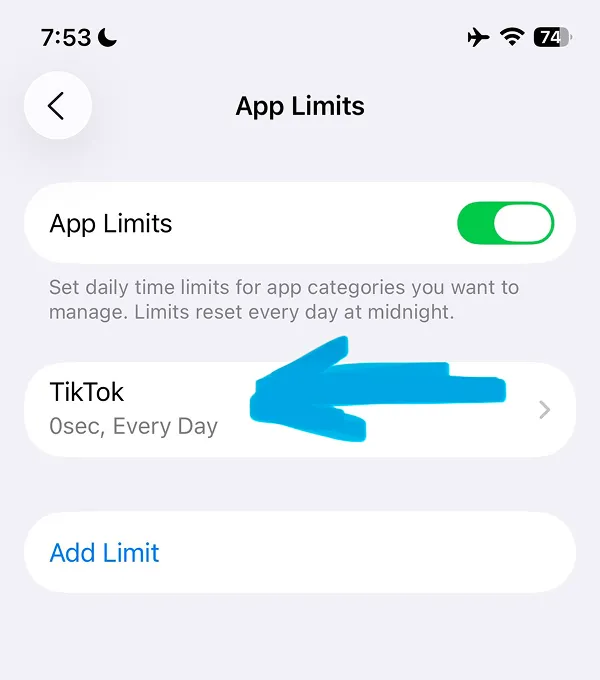
When blocking is active the TikTok app icon will be blocked. Instead of the app the iOS Time Limit screen will be opened.
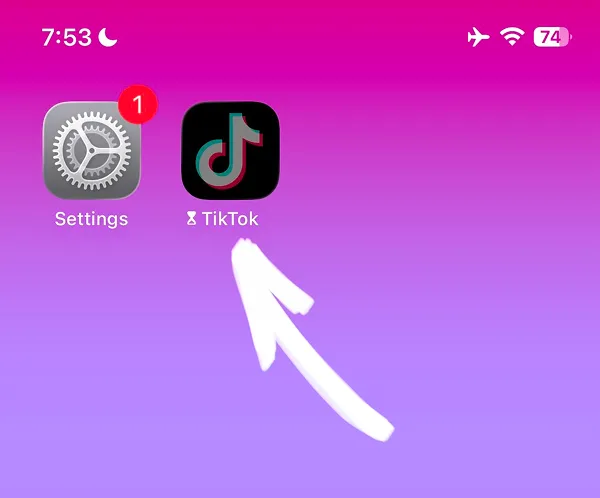
Unfortunately it is very easy to stop blocking, all you need to do is tap the Ignore Limit button and select how long you want blocking to stop.
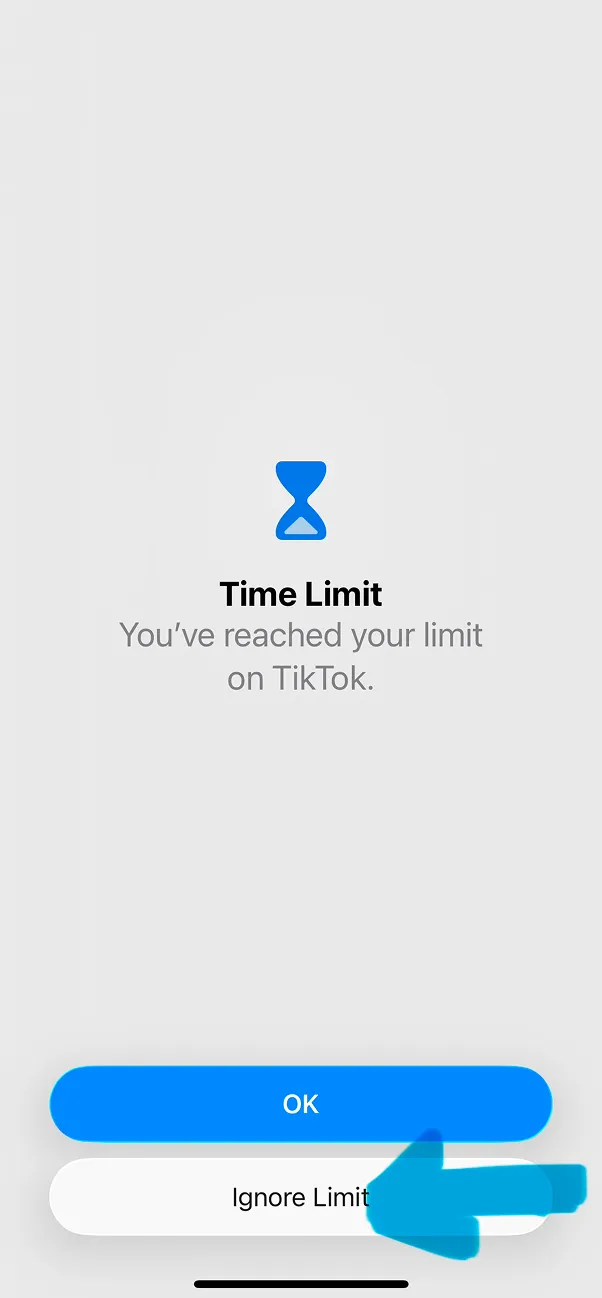
You can choose one of 3 options or Cancel. Unfortunately you can not select the custom time. This feature is possible with the ScreenFox app.
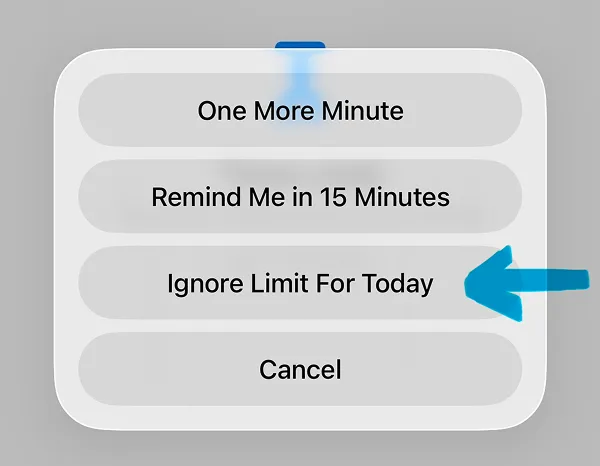
After limits are turned off, you can open the TikTok app again.