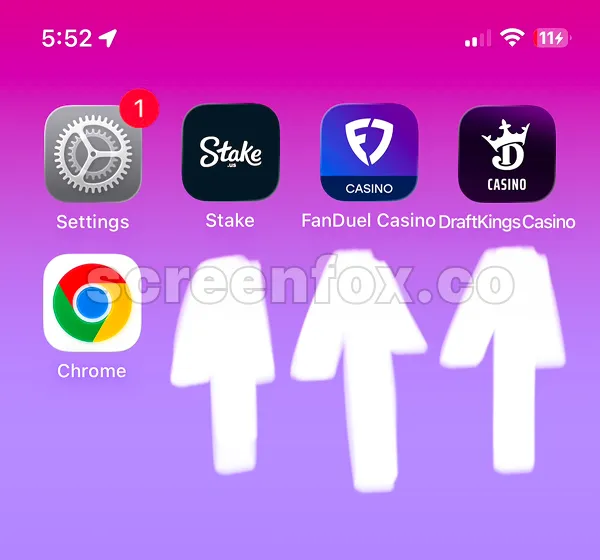


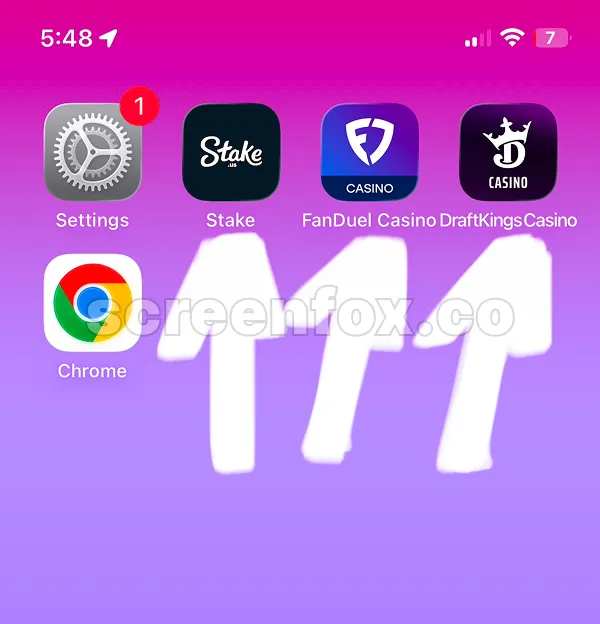
If you're looking for a method How to Block Gambling Apps on iPhone our quick 2-minute guide will help you. You will know how to block any Gambling app on iPhone using the built-in iOS blocking feature or the easy to use ScreenFox app.
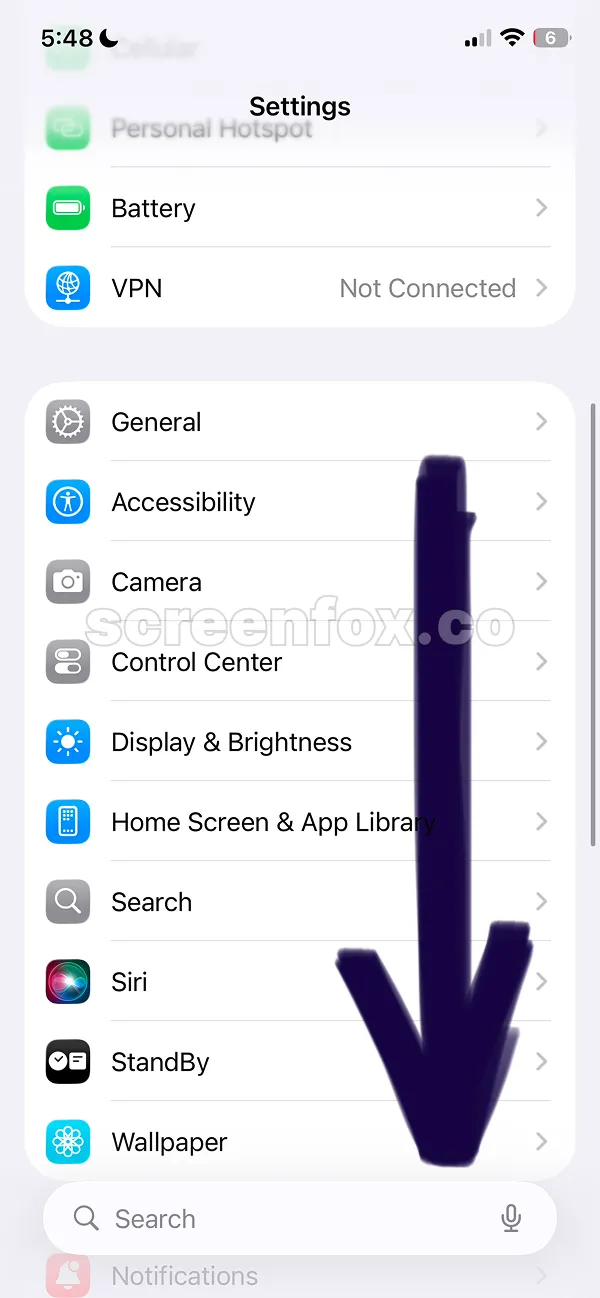
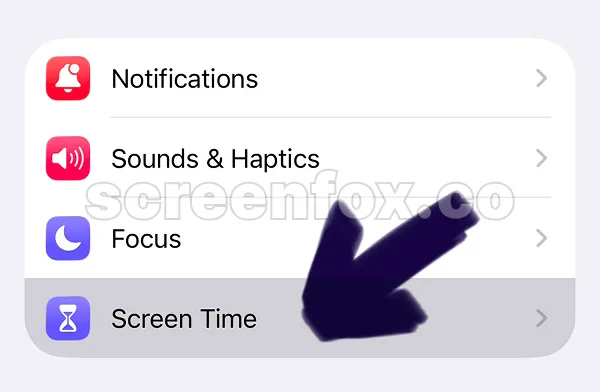
Then scroll the settings page and find the ScreenTime feature.
If you prefer video guide click play and watch our convenient video version. The information in video and written guide is the same, choose option that you prefer.
You'll block Gambling Apps on iPhone by selecting App Limits in Screen Time. This feature will help you to set rules and select apps.
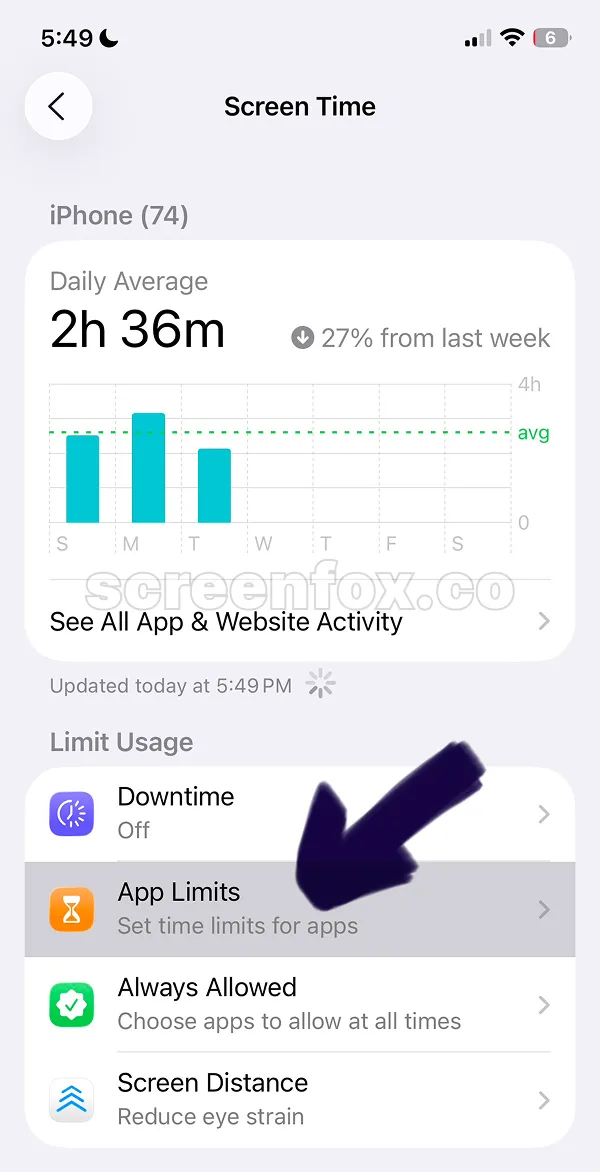
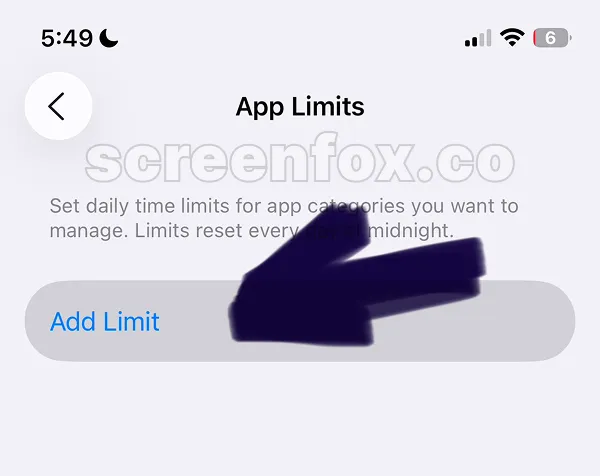
The Add limit feature will open apps list where you can find the Gambling Apps installed on your iPhone. You can also read this guide to block any website on your phone, this could also help you to block website versions of these apps.
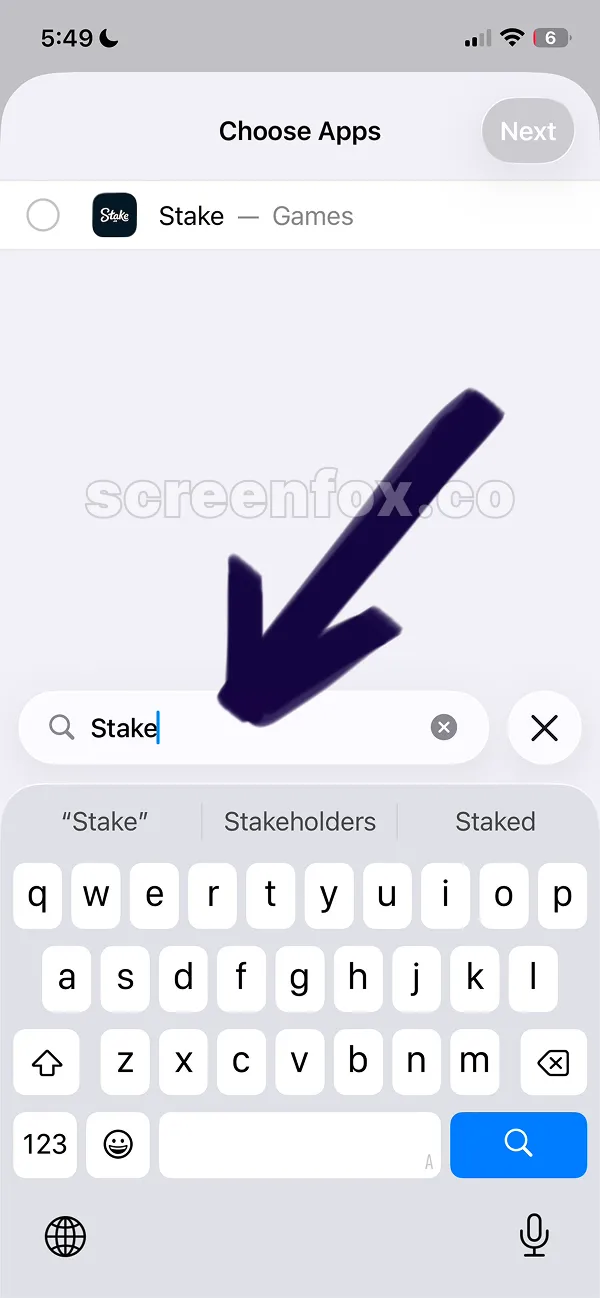
To block these Gambling apps on iPhone, search for each app individually—iOS has no dedicated gambling category. Unfortunately iOS does not have the "Gambling" category you need to find apps one by one and select each by tapping the circle on the left of each app.
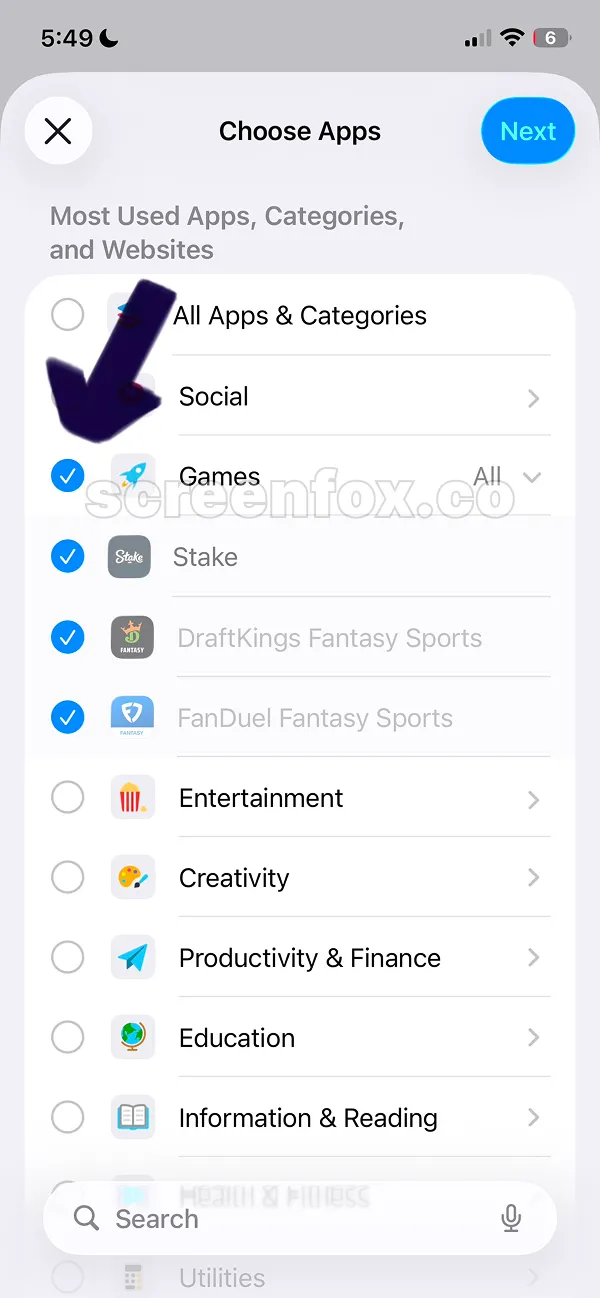
Sometimes Gambling apps could be added to the "Games" category. Check the Games category, if all apps are there just tap the circle on the left of the Games icon, this will manually select all apps Then tap NEXT button on the top right corner to continue.
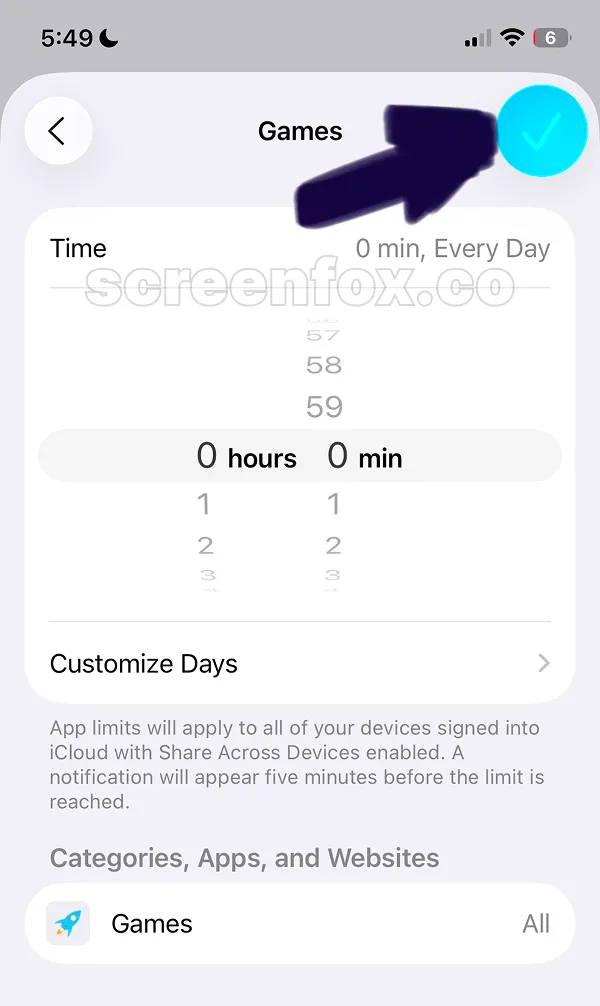
To block Gambling Apps on iPhone completely, set the time limit to 0 hours and 0 minutes. You can also set custom times for different days using the Customize Days setting.
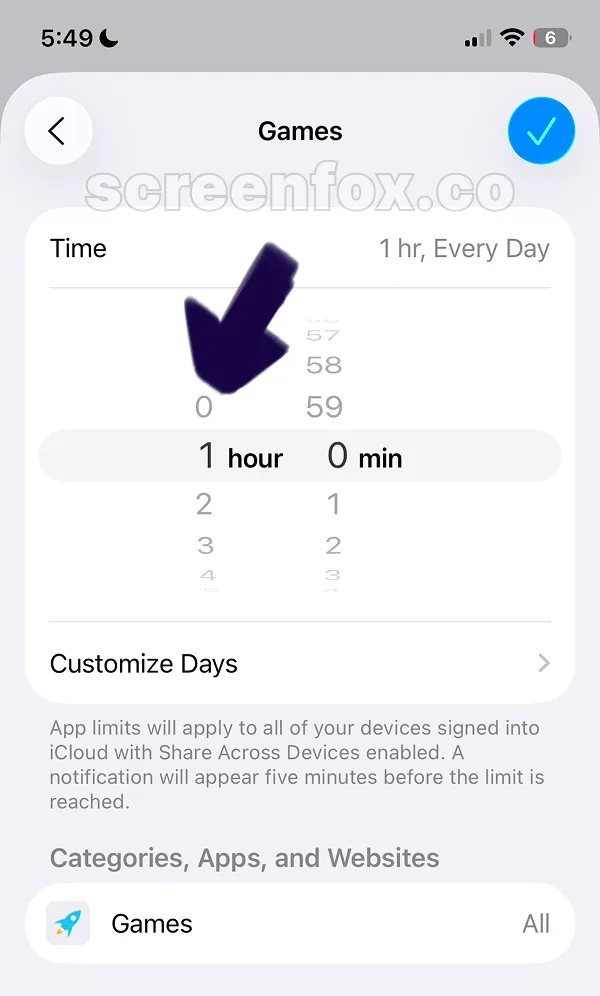
After time is changed tap the checkbox with the blue button to confirm changes.
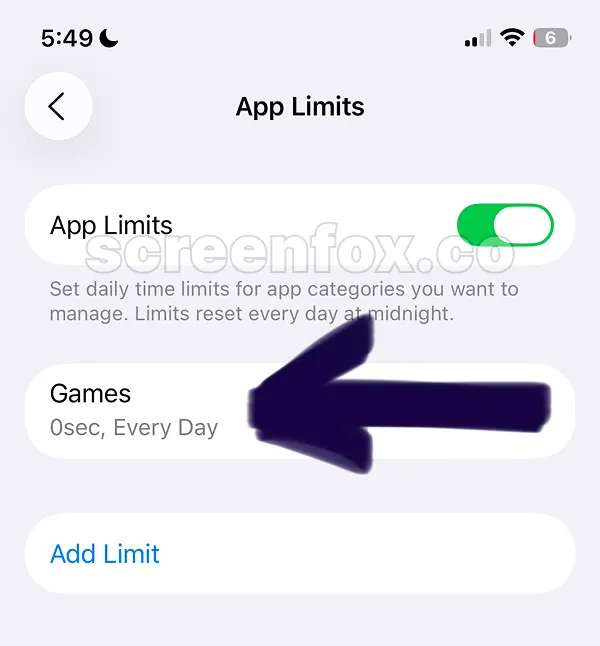
After changes all selected Gambling apps will be shown under the Games category name.
Important tip: this method has a built-in issue, it is very easy to stop when you open any app. Download the ScreenFox app for free to make apps unblocking much more difficult
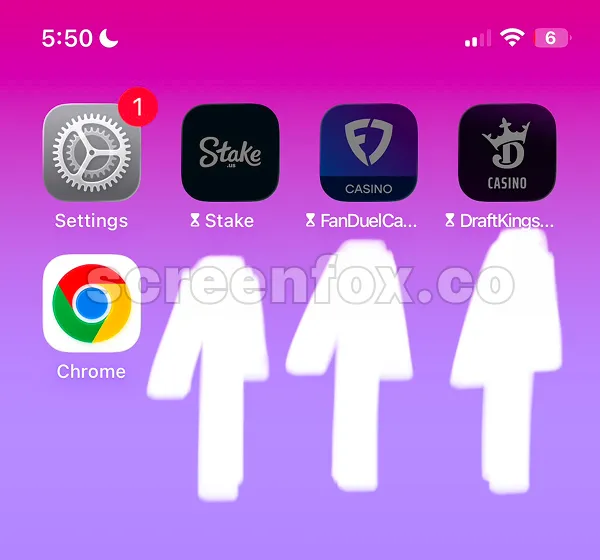
When blocking is working all selected apps will be disabled, when you will try to open them, you will see the built-in iOS blocking screen.
This screen will actually block apps. However in our opinion this method has an issue: it has a button called Ignore Limit. This button makes it so easy to stop blocking literally in two taps.
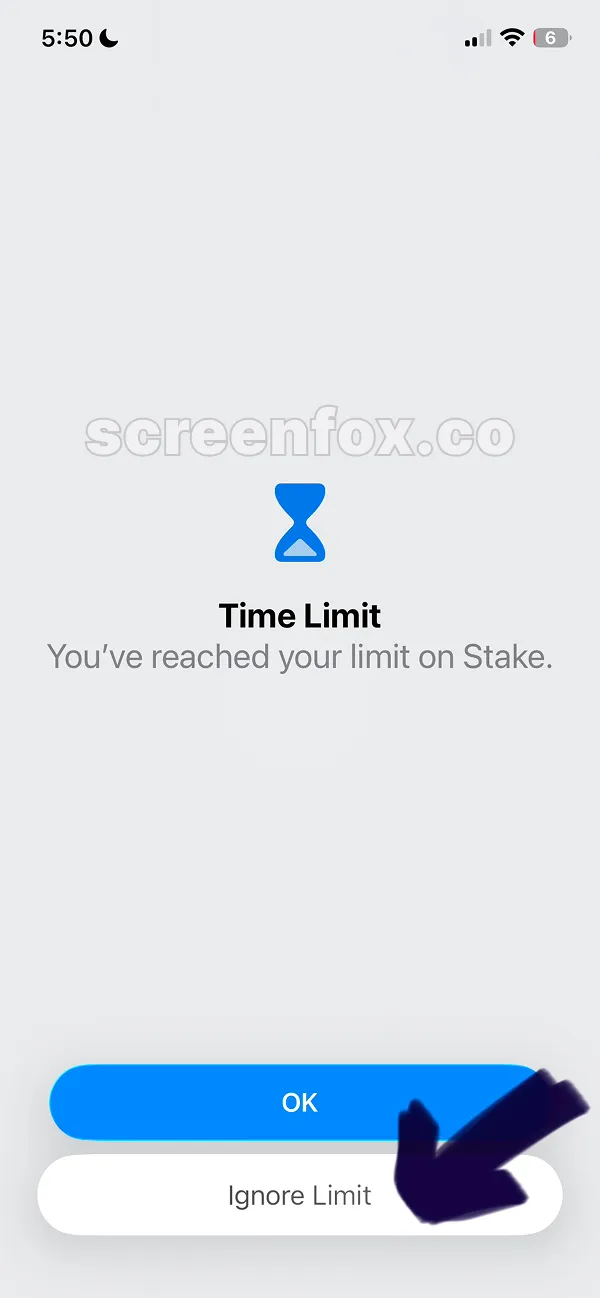
Once you tap Ignore Limit the next screen will ask you about the time. If you tap Ignore limit For Today the selected app will be unblocked. The limits will be applied again on the next day.
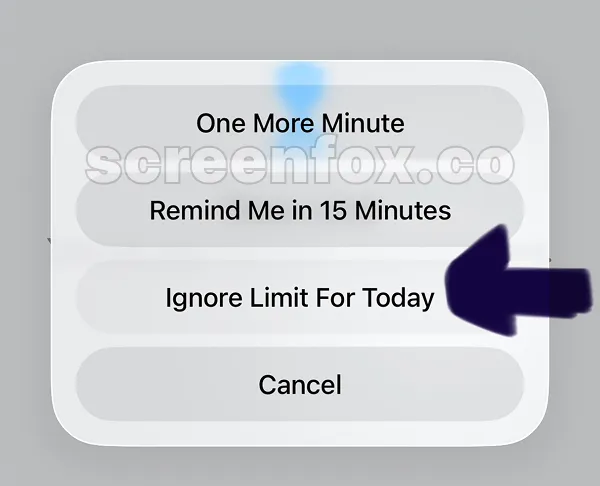
After this all apps will be opened again. That's how to block Gambling Apps on iPhone in under 5 minutes.
Download the ScreenFox app, this app was built to fix the Ignore Limits button, it literally does not have this button and makes blocking so much more difficult to stop.